Get more views!
 See your personal message here! 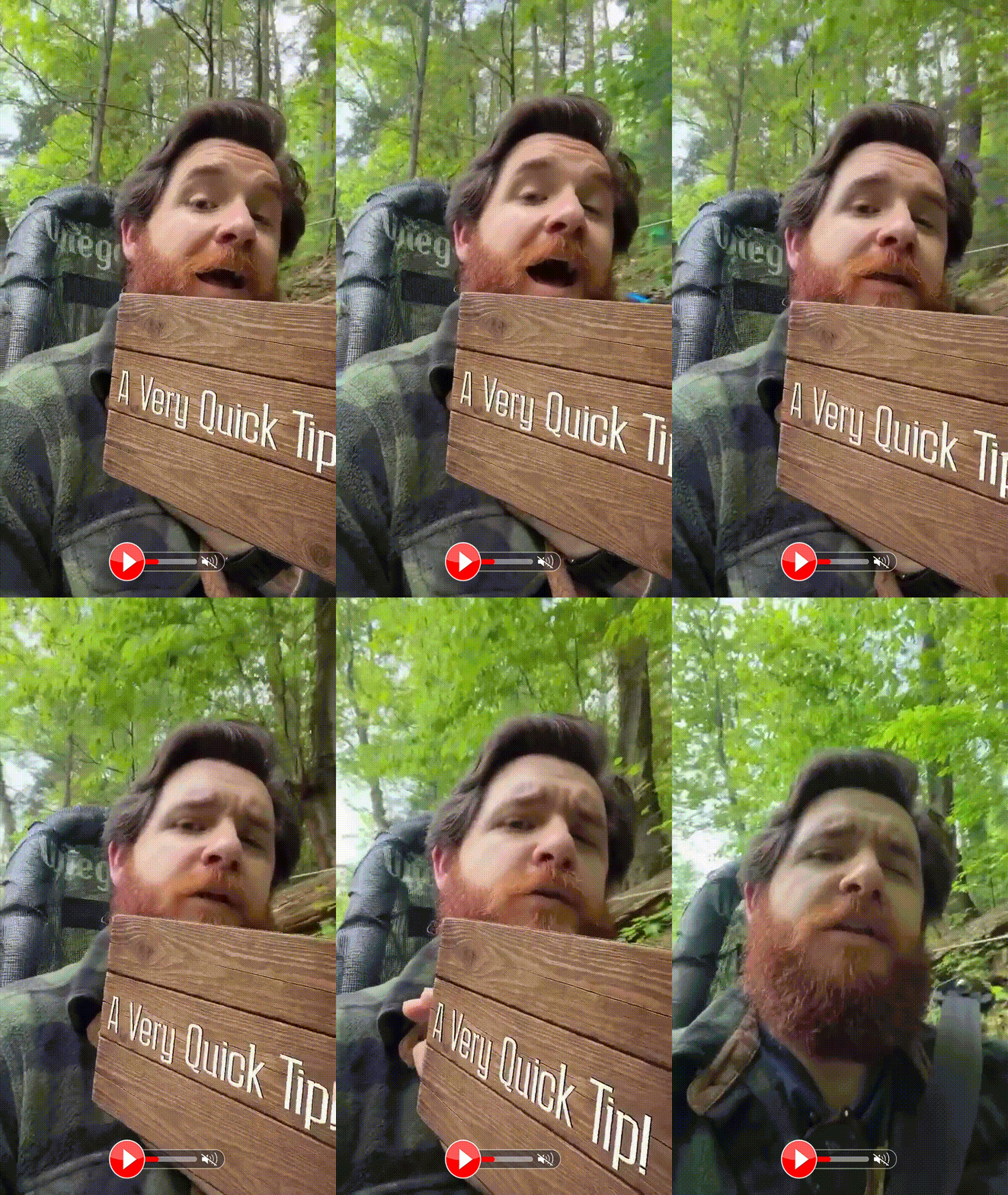 Video Powered By  |
SalesMail is all about getting views and making memorable connections! So how do you get more views? Here are a few tips:
1. Make the first three seconds of your video interesting! Move, wave, smile, show a sign, stand in front of something interesting, walk around - do something to capture attention! You can even include team members, pets, props, etc. in your video. You want the animated gif that is based on the first three seconds of your video to entice your recipient to click to watch!
2. Drop a note above your video. When you share a SalesMail, set yourself apart from generic computer-generated messages by including a short message in the body of your email/text above your SalesMail video. Encourage them to click below to watch the video message you recorded for them. Try to include a quick teaser of the content that is contained in your SalesMail video. For example,
- "Hi Marcia! I think you will get a kick out of this video message I just recorded for you since I know you love animals. I look forward to hearing from you!"
3. Send more videos. You will get more views and connections if you incorporate SalesMail into your outreach and send more videos. If you don't have time to create new videos each time, record a library of SalesMail Favorites that you can use over and over again! Here are some great Favorites to record and have ready to send whenever you need them or to send to multiple people:
- Intro - A video introducing yourself and your community/business
- Community Tour - A quick tour of your community
- Model/Apartment Tour - A tour of a specific model or apartment
- Amenity Overview - A video of popular amenities at your community
- Special Offer - A video about a move-in or special offer
- Invite to Tour/Lunch - A video inviting someone to schedule a tour or meal
- Directions/Instructions - A video providing directions to the community, where to park, and any visitor protocols you have in place.
- Event Invitation - A video inviting a referral partner, prospect, etc. to an upcoming event.
4. Add SalesMail videos to lead nurturing campaigns and auto-responders on websites. Incorporating SalesMail videos into lead nurturing campaigns and auto-responders adds a human element to your outreach and will drive more opens, views, and conversions. If you or your marketing team need assistance on how to add SalesMail videos to campaigns or auto-responders, reach out to your Client Success Specialist or email us at support@salesmail.com.