Your SalesMails in Every Language!
Your SalesMails in Every Language!

We are happy to announce new language features in SalesMail that create a more personal and memorable experience for all, even if your recipient doesn't speak the same language as you do!

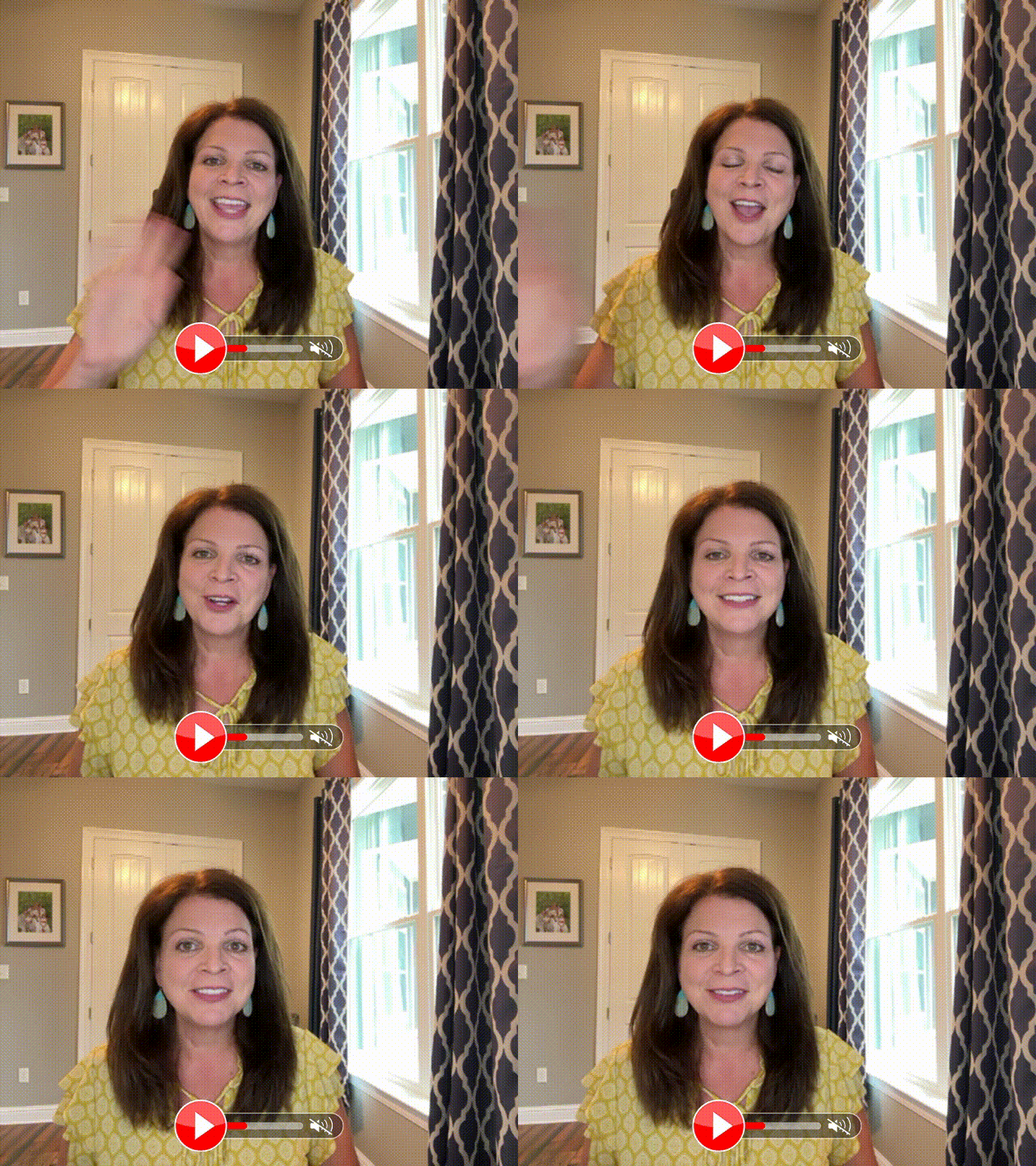
Transcript Translations – All SalesMail videos have a “Need Translation?” link below the video,  allowing recipients to read the video transcript in any language of their choice!    Click the video below to watch a SalesMail in action and try out the 'Need Translation?' feature.
See your personal video message here!


Multi-Language Support
 -  For any new videos you record or upload, SalesMail automatically recognizes the spoken language and generates all related content in the same language. Enjoy automatic closed captions in the language of your video, improving accessibility. Transcripts will be provided in the same language as your video, making it easier for viewers to follow along and for you to repurpose content for different formats. SalesMail AI will create video names and email intro text that reflect the language and context of your video.  This new feature streamlines your workflow, saves time, and helps you connect more authentically with your audience by delivering content in their native language. 


    • Related Articles

    • Multi-Language Support and Intelligent Community/Business Name Recognition in SalesMail

      We are pleased to introduce two new updates to the SalesMail platform, designed to make your video communications even more personalized and impactful. Multi-Language Support - For any new videos you record or upload, SalesMail will automatically ...
    • Group SalesMail Training Every Thursday @ 1pm Central

      You are invited to join our group SalesMail training sessions lead by our Senior Director of Client Success, Brian Keech! He will walk through the basics of SalesMail on both the mobile app and the desktop portal and get you prepared to build strong ...
    • How long can SalesMails videos be?

      SalesMail videos can be between five seconds to three minutes long, however, for most use cases we recommend limiting the videos to under 90 seconds to keep the recipient's attention.  If your video is less than 5 seconds, you will get prompted to ...
    • Home Care SalesMail Training Every Tuesday at 11am CST

      You’re invited to join our group SalesMail Training for Home Care! In this session, we’ll walk through the basics of SalesMail on both the mobile app and desktop portal—and more importantly, how to use video to stand out, build trust, and drive real ...
    • The 3 Call-To-Action Buttons Every Home Care Team Should Have

      If your video doesn’t clearly guide the next step, families often won’t take one. CTA buttons show up directly beneath your video to drive recipients to take some next action. Set these up once in your CTA Library, and you can quickly & easily add ...